TikTok Video Downloader
The TikTok Video Downloader saves public TikTok videos as MP4 files and their sound as MP3. Tap Share → Copy link in TikTok, paste it here and choose the video or audio file you want. The tool shows a preview, the creator name, the length and all available files with their sizes. It works in your browser on Android, iPhone and PC with no app needed. Download only videos you own or have permission to save.
🔗
⚖️ Download only your own videos or videos you have permission to save. Private videos and YouTube are not supported.
Fetching your video…
🔗 Reading link🎞️ Finding qualities✅ Preparing downloads
Results
▶
Watch Video
| Type | Quality | Size | Download |
|---|
💡 On iPhone: tap Download, then use “Save to Files”. If a download opens in a new tab, long-press the video and choose “Download video”.
Rate this tool
How was your experience with the TikTok Video Downloader?
Be the first to rate this tool
Share on Social Media:


Download TikTok Videos in HD and MP3
Free TikTok downloader: paste a TikTok link and save the video in HD MP4 or the sound as MP3 on any phone or computer. The TikTok Video Downloader saves public TikTok videos as MP4 files and their sound as MP3. Tap Share → Copy link in TikTok, paste it here and choose the video or audio file you want.
People rely on the TikTok Video Downloader for hD 1080p, 720p, SD and MP3 audio, facebook, Instagram, TikTok, X, Pinterest, Vimeo and more, video preview, title, author and length and file size shown for every quality. Everything happens in your browser, so there is nothing to download, nothing to set up and no account to create – you get a clean result in seconds and can get back to your work.
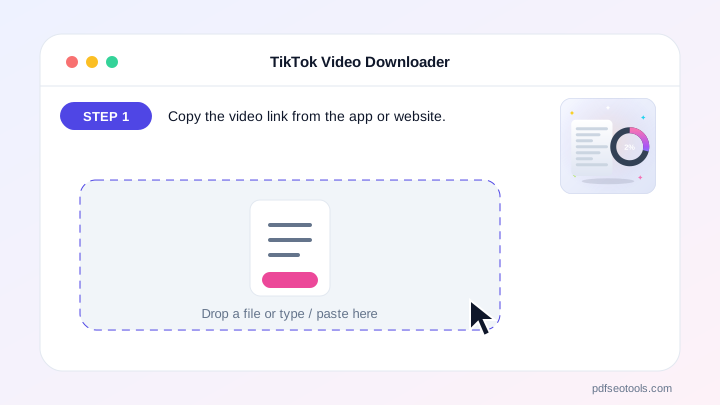
How the TikTok Video Downloader Works
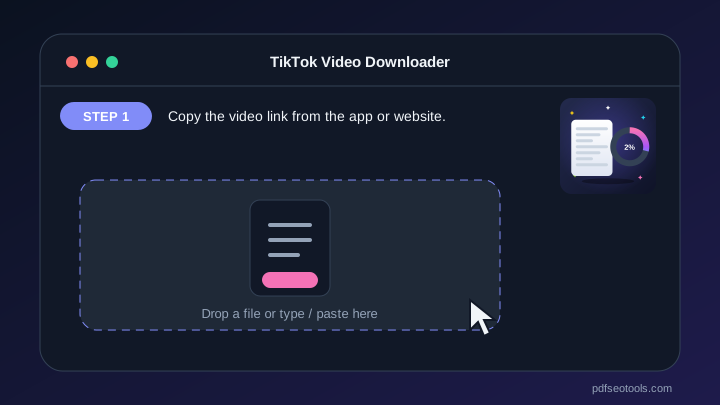
- Step 1: Copy the video link from the app or website.
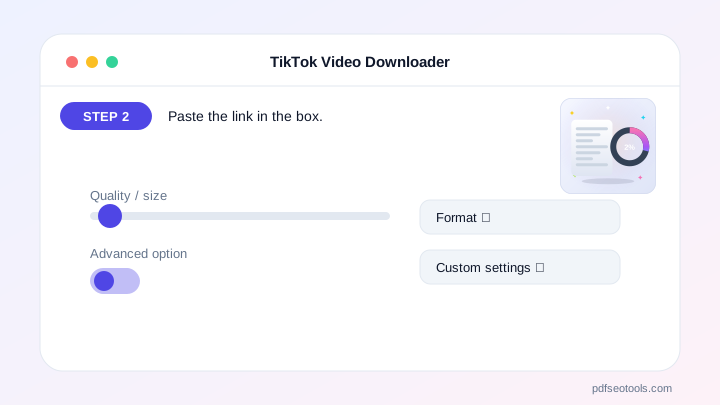
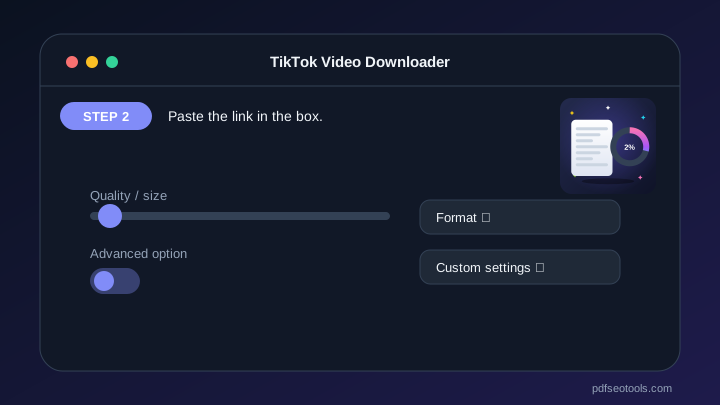
- Step 2: Paste the link in the box.
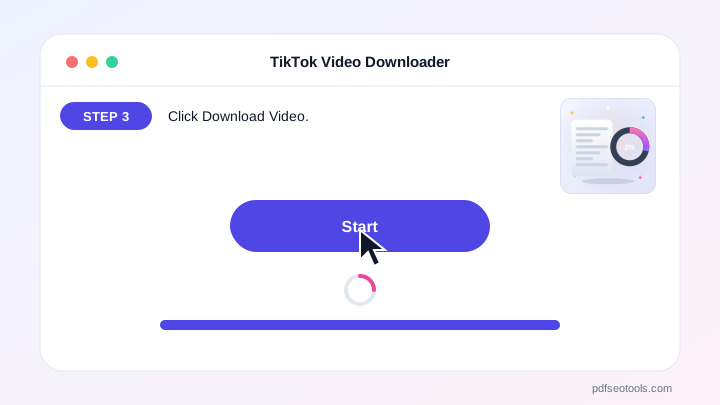
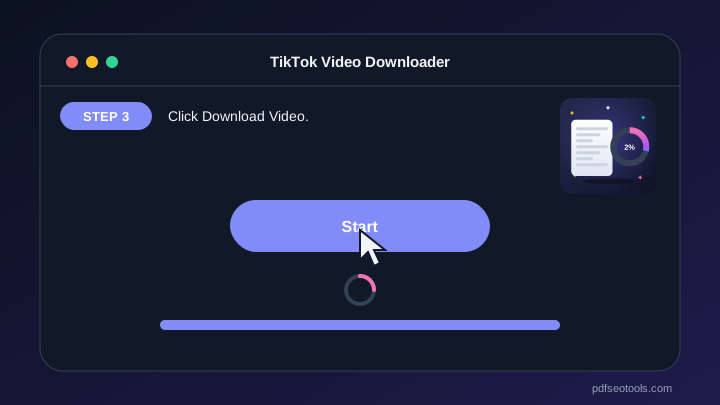
- Step 3: Click Download Video.
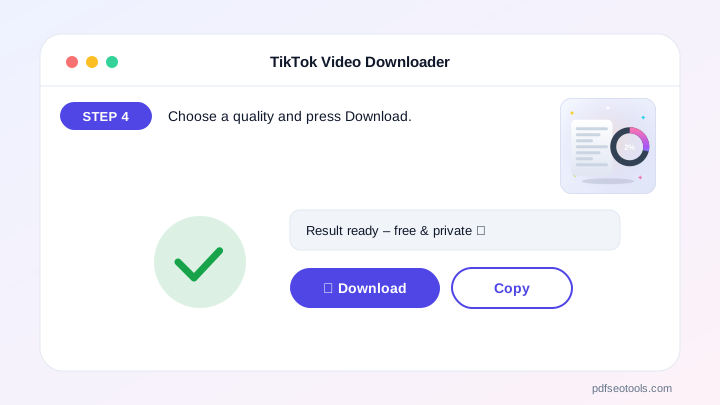
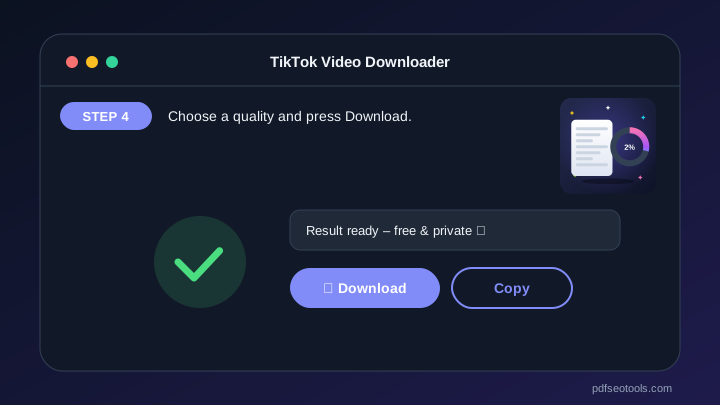
- Step 4: Choose a quality and press Download.
Why People Choose Our TikTok Video Downloader
- No account required Open the page and start immediately – no registration, no email address and no trial period.
- Encrypted HTTPS connection Everything you send travels over a secure, encrypted connection.
- Nothing is published or shared The data you enter is used only to show your result. It is never published, sold or shared.
- Works on every device The layout adapts to phones, tablets and desktops, and runs in Chrome, Safari, Firefox and Edge.
- Free with no hidden limits Use it as often as you need for everyday tasks – no watermark and no surprise charges.
- AI with automatic fallback Several AI providers keep the TikTok Video Downloader fast and reliable.
- Upload documents Fill the text box from TXT, PDF or Word files.
Why Use the TikTok Video Downloader?
The tool shows a preview, the creator name, the length and all available files with their sizes. It works in your browser on Android, iPhone and PC with no app needed. Download only videos you own or have permission to save.
Saved videos play offline – useful for slow internet, travel and keeping a copy of your own content.
Who Uses It?
Content creators, marketers, teachers and everyday users who want an offline copy of their own or permitted videos.
- Creators Back up your own posts.
- Marketers Save approved campaign videos.
- Teachers Keep lesson clips offline.
- Everyone Watch without internet.
Tips
Use the Share → Copy link option in the app.
Pick 720p for smaller files and 1080p for the best picture.
If a video will not load, check that it is public.
Key Features of the TikTok Video Downloader
- HD 1080p, 720p, SD and MP3 audio HD 1080p, 720p, SD and MP3 audio – free and works on phone and computer.
- Facebook, Instagram, TikTok, X, Pinterest, Vimeo and more Facebook, Instagram, TikTok, X, Pinterest, Vimeo and more – free and works on phone and computer.
- Video preview, title, author and length Video preview, title, author and length – free and works on phone and computer.
- File size shown for every quality File size shown for every quality – free and works on phone and computer.
- Paste button and one-tap download on mobile Paste button and one-tap download on mobile – free and works on phone and computer.
- No app, no sign-up, free No app, no sign-up, free – free and works on phone and computer.
TikTok Video Downloader: Frequently Asked Questions
Is the TikTok Video Downloader free?
Yes – it is free with no sign-up and no app to install.
Which qualities can I download?
Every quality the platform offers for that video, usually 1080p HD, 720p, SD and sometimes audio only.
Can I download private videos?
No. Only public videos can be downloaded.
Is the TikTok Video Downloader safe and private?
Yes. Everything travels over a secure HTTPS connection, and the data you enter is used only to show your result – it is never published or sold. You do not need an account, and the tool works the same way on phones, tablets and computers.
Related Free Tools
- Plagiarism CheckerCheck plagiarism free online.
- Grammar CheckerCheck grammar, spelling, punctuation and clarity free in 30+ languages.
- AI Content DetectorCheck if text is AI-generated or human-written.
- AI HumanizerHumanize AI text free.
- AI WriterFree AI writer for titles, outlines, intros, paragraphs, blog posts, social media captions, ads, emails, conclusions, essays and stories – edit and copy.
- AI Text GeneratorFree AI text generator for blog titles, outlines, intros, paragraphs, blog posts, social posts, ads, emails, conclusions, essays and stories.
Start Using the TikTok Video Downloader
Ready to try it? Open the TikTok Video Downloader at the top of this page, copy the video link from the app or website and see the result in seconds.
Bookmark PDF SEO Tools to keep 150+ free tools for PDFs, images, text, SEO and development one tap away.
Something not working, or missing a feature you need? Tell our support team – we read every message.